Quick Answer
You came for the kit that actually gets built. Buy the official Arduino Starter Kit, about $104, when the goal is a finished project: the guided project book, not the component count, is why it beats cheaper clone kits. Buy the Adafruit Circuit Playground Express, about $40, for the lowest-friction start, with sensors built in and no breadboarding. Buy the Elegoo Mega kit, about $53, when a teen already knows what to build and just needs parts. Skip the Raspberry Pi 5 unless the project is software or networking: it is a full Linux computer rather than a hardware controller, and it still needs a power supply, microSD card and case.
Key takeaways
- Arduino vs Raspberry Pi solves two different problems: Arduino is for controlling physical hardware (motors, sensors, LEDs); Raspberry Pi is a full Linux computer for software and networking projects.
- The official Arduino Starter Kit's project book is the single biggest reason it beats cheaper clone kits - guided learning matters more than component count.
- Adafruit Circuit Playground Express is the lowest-friction entry point - no breadboarding, built-in sensors, and works with block-based code.
- Elegoo's Mega kit is the budget choice when a teen already knows what they want to build and just needs parts.
- Soldering is a separate skill - wait until your teen has shipped 3-4 breadboard projects before introducing the iron.
On this page
Side-by-side comparison
Project book + components for 15+ guided builds.
- Projects
- 15+
- Age Range
- 12+
- Skill Level
- Beginner-Intermediate
- Components
- Arduino UNO + LCD + sensors + breadboard
Best evidence
Genuine Arduino board and components
Main trade-off
Premium pricing for the kit
Universal SBC.
- Projects
- Unlimited
- Age Range
- 12+
- Skill Level
- Beginner-Advanced
- Board
- Raspberry Pi 5 (8GB)
Best evidence
Latest Raspberry Pi generation
Main trade-off
Requires separate power supply, microSD, case
All-in-one board for beginners.
- Projects
- 100+ documented
- Age Range
- 10+
- Skill Level
- Beginner
- Board
- Circuit Playground Express
Best evidence
All-in-one board - LEDs, sensors, speaker built-in
Main trade-off
Limited expansion vs Arduino UNO
Budget Arduino-compatible kit with broader project range.
- Projects
- Many examples available
- Age Range
- 13+
- Skill Level
- Intermediate
- Board
- Arduino Mega-compatible
Best evidence
Budget Arduino-compatible kit
Main trade-off
Not official Arduino board (compatible)
* Prices are approximate. Tap Buy to see current pricing on Amazon.
| Comparison field | #1Arduino Starter Kit (Official) Owner rating | #2Raspberry Pi 5 (8GB) Owner rating | #3Adafruit Circuit Playground Express Owner rating | #4Elegoo Arduino Mega Project Kit Owner rating |
|---|---|---|---|---|
 |  |  |  | |
| CurioRank | ||||
| Verdict | Project book + components for 15+ guided builds. | Universal SBC. | All-in-one board for beginners. | Budget Arduino-compatible kit with broader project range. |
| Price | ||||
| Projects | 15+ | Unlimited | 100+ documented | Many examples available |
| Age Range | 12+ | 12+ | 10+ | 13+ |
| Skill Level | Beginner-Intermediate | Beginner-Advanced | Beginner | Intermediate |
| Components | Arduino UNO + LCD + sensors + breadboard | - | - | - |
| Board | Arduino UNO R3 | Raspberry Pi 5 (8GB) | Circuit Playground Express | Arduino Mega-compatible |
| Platform | Arduino | Raspberry Pi | Adafruit / MakeCode | Arduino-compatible |
| Buyer sentiment | Suitability for beginners Quality Components Ease of use Buyers praise suitability for beginners, quality, components and ease of use. Based on 1,385 user mentions | Functionality Build quality Versatility Value for money Buyers praise functionality, build quality, versatility and value for money. Based on 183 user mentions | Functionality Educational Ease of use Versatility Buyers praise functionality, educational, ease of use and versatility. Based on 38 user mentions | Quality Starter kit Instructions Value for money Buyers praise quality, starter kit, instructions and value for money. Based on 1,755 user mentions |
| Pros |
|
|
|
|
| Cons |
|
|
|
|
* Prices are approximate. Click Buy to see current pricing on Amazon.
Arduino Starter Kit (Official)
- Genuine Arduino board and components
- Project book with 15+ guided builds
- Beginner-friendly with scaffolded learning
The genuine board plus the guided project book is the most reliable way for a teen to go from zero to a finished, working electronics project - and the skills transfer to college coursework.
Watch the top pick: Arduino Starter Kit (Official)
Video by a third-party creator, hosted on YouTube. Loads only when you press play.
Quick Answer
For most teens new to electronics, get the Arduino Starter Kit (Official) - the project book is the actual learning, and the genuine Uno board avoids the 'this clone doesn't work with the IDE' rabbit hole. If your teen already codes and wants to build a home server, retro game emulator, or anything Linux-flavored, get the Raspberry Pi 5 (8GB) instead. For the lowest-friction starter (no breadboard, no jumper wires), the Adafruit Circuit Playground Express wins.
Rule of thumb: buy for the kind of project the teen already daydreams about, not for the parts count on the box.
The 5 Picks, Ranked
| Pick | Platform | Best for |
|---|---|---|
| Arduino Starter Kit (Official) | Arduino Uno | First-time learners |
| Raspberry Pi 5 (8GB) | Linux computer | Software-leaning teens |
| Circuit Playground Express | All-in-one board | Zero-friction start |
| Elegoo Arduino Mega Kit | Arduino-compatible | Budget, knows what to build |
1. Arduino Starter Kit (Official) - best for first-time learners
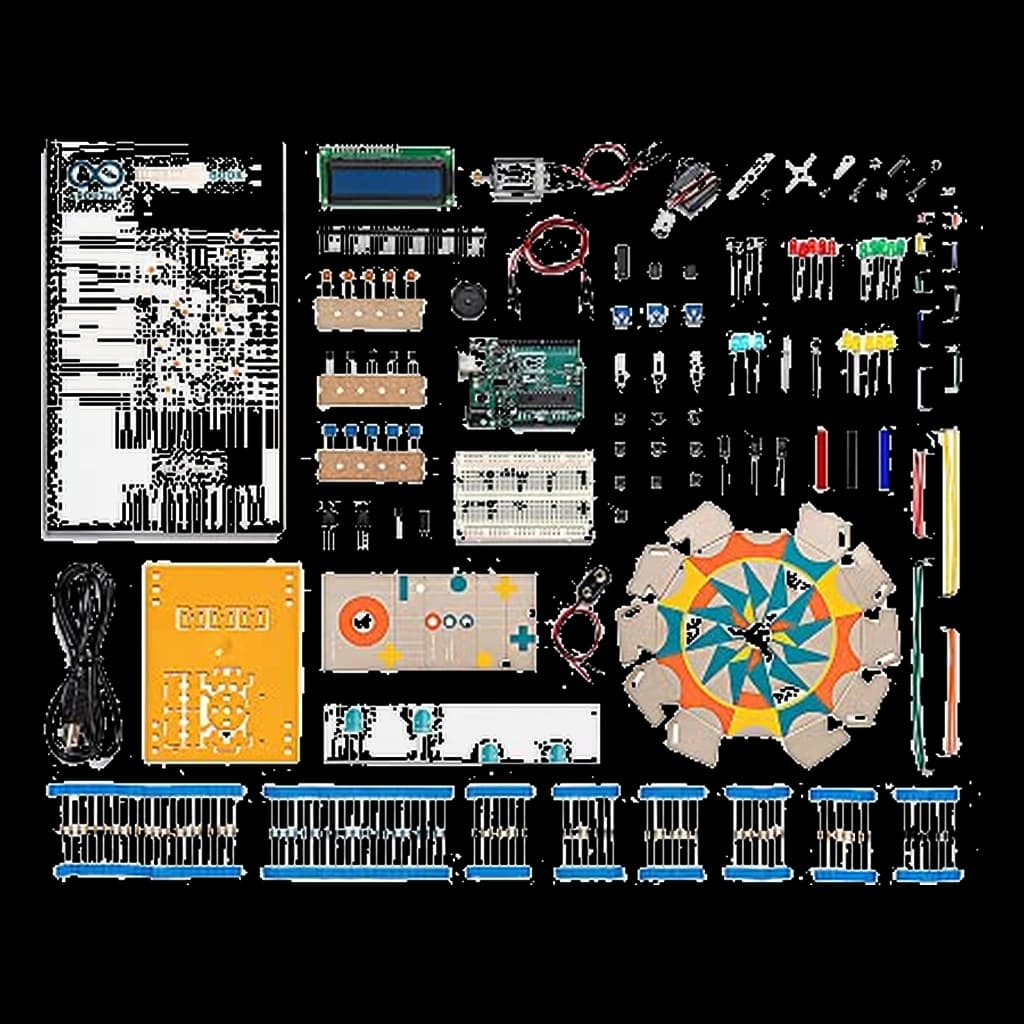
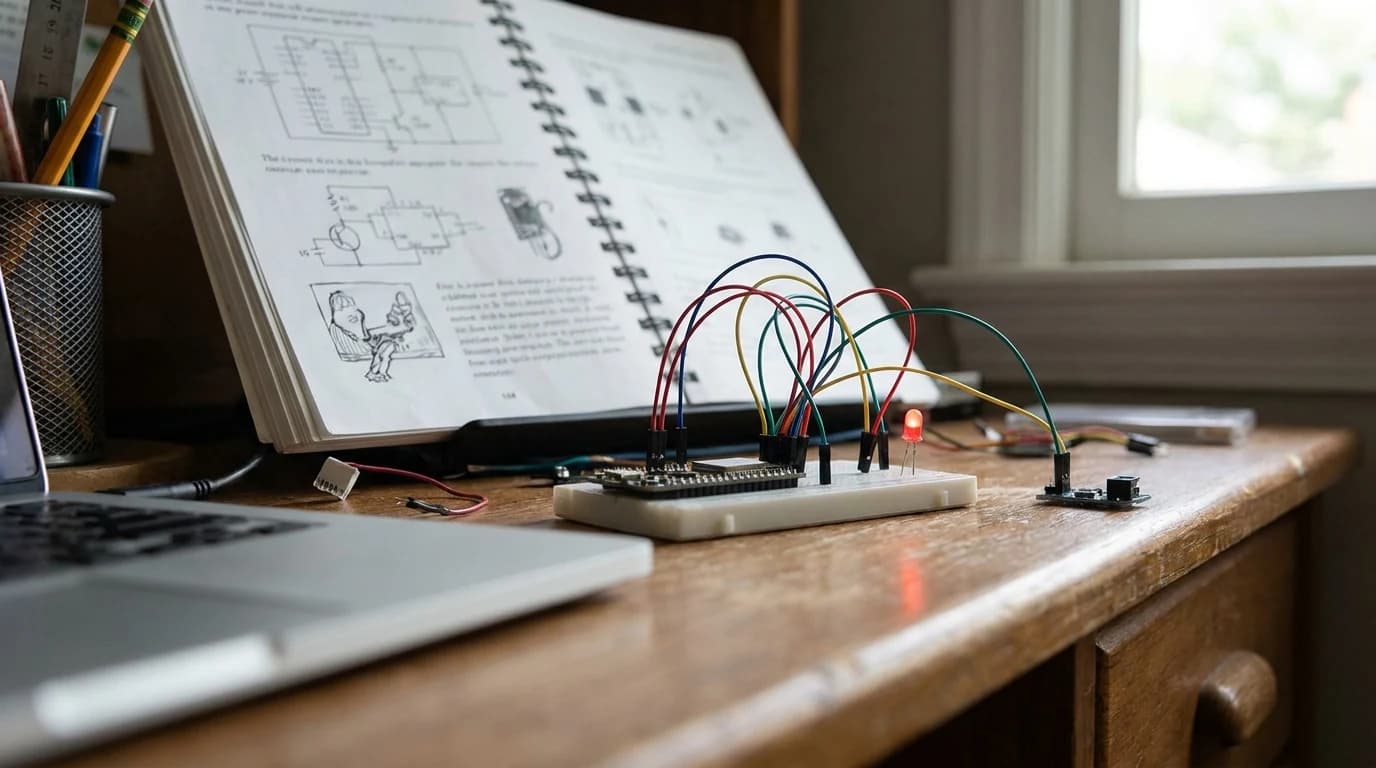
Check price on Amazon · List Price:This is the canonical 'I want to learn electronics' starter. You get a genuine Arduino Uno board, a project book with 15+ guided builds (light theremin, motorized pinwheel, digital hourglass), and the components to complete them.
The build-by-build pedagogy is the entire reason this beats $30 'Arduino-compatible' starter kits - it removes the 'now what?' moment that kills beginners.
- What it teaches: C/C++ basics, digital and analog I/O, sensors, motor control
- Best for: teens who want to make physical things move or respond
2. Raspberry Pi 5 (8GB) - best for software-leaning teens
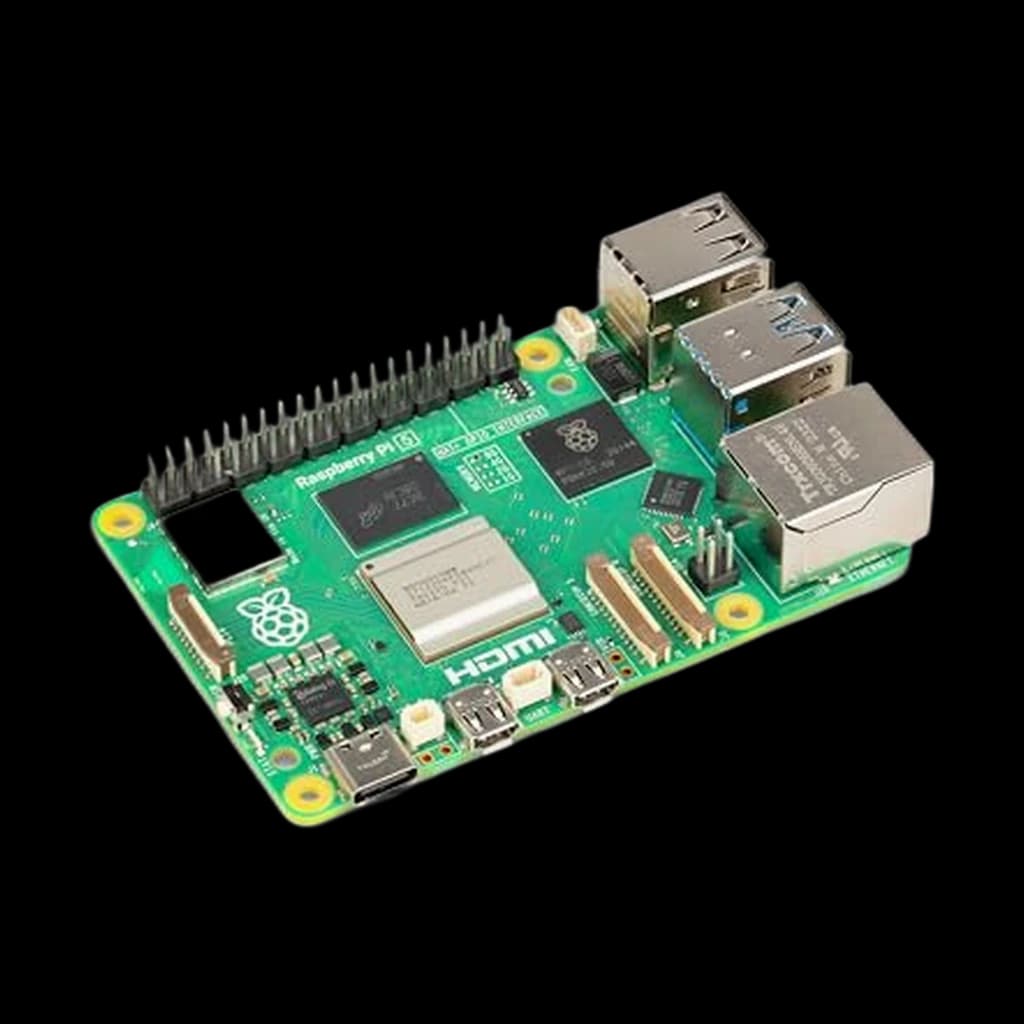
Check price on Amazon · $199.94 →Full review →A Raspberry Pi is a full Linux computer the size of a credit card. It does not replace an Arduino - it does different work. With a Pi 5, a teen can run a home Plex server, build a RetroPie emulator, host a Discord bot, or run a Pi-hole network ad blocker. The 8GB RAM model handles modern Linux workflows comfortably.
- What it teaches: Linux command line, Python, networking, system administration
- Best for: teens already comfortable with code who want to build infrastructure
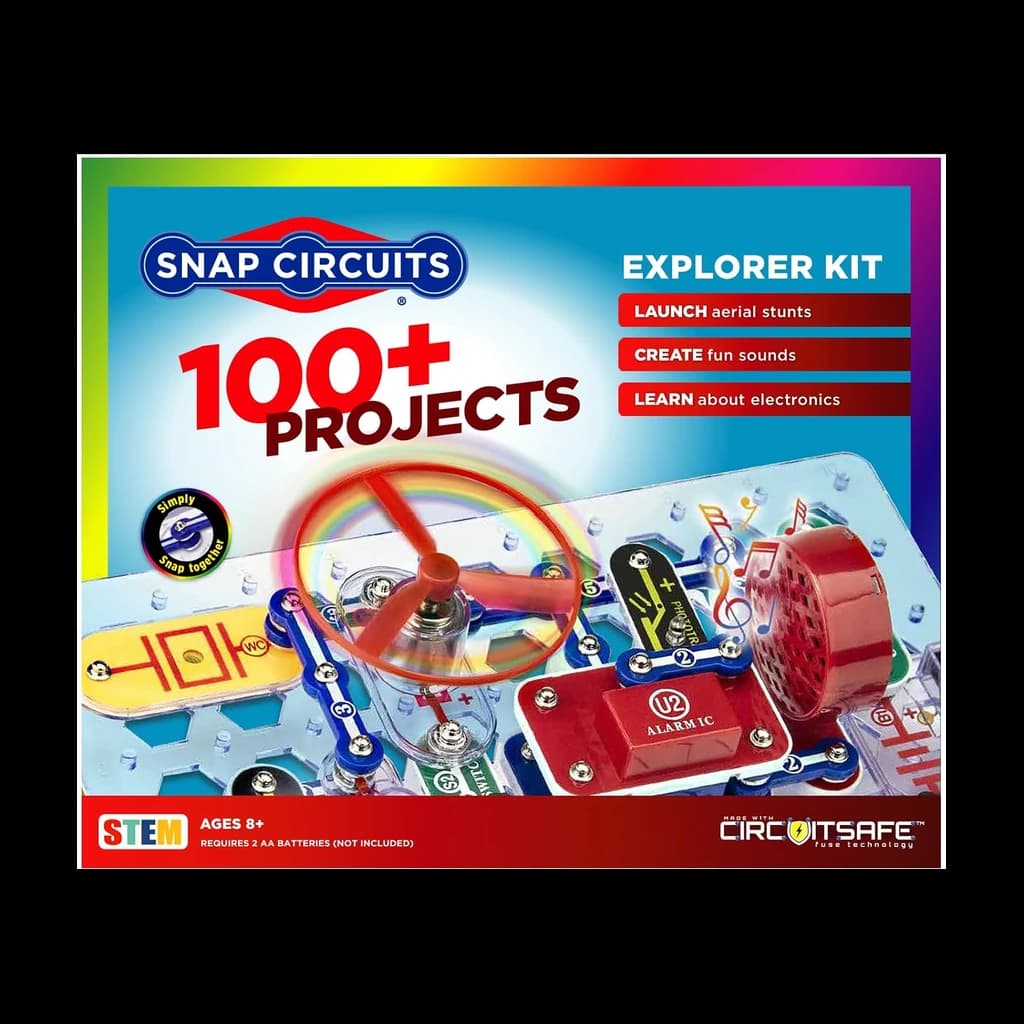
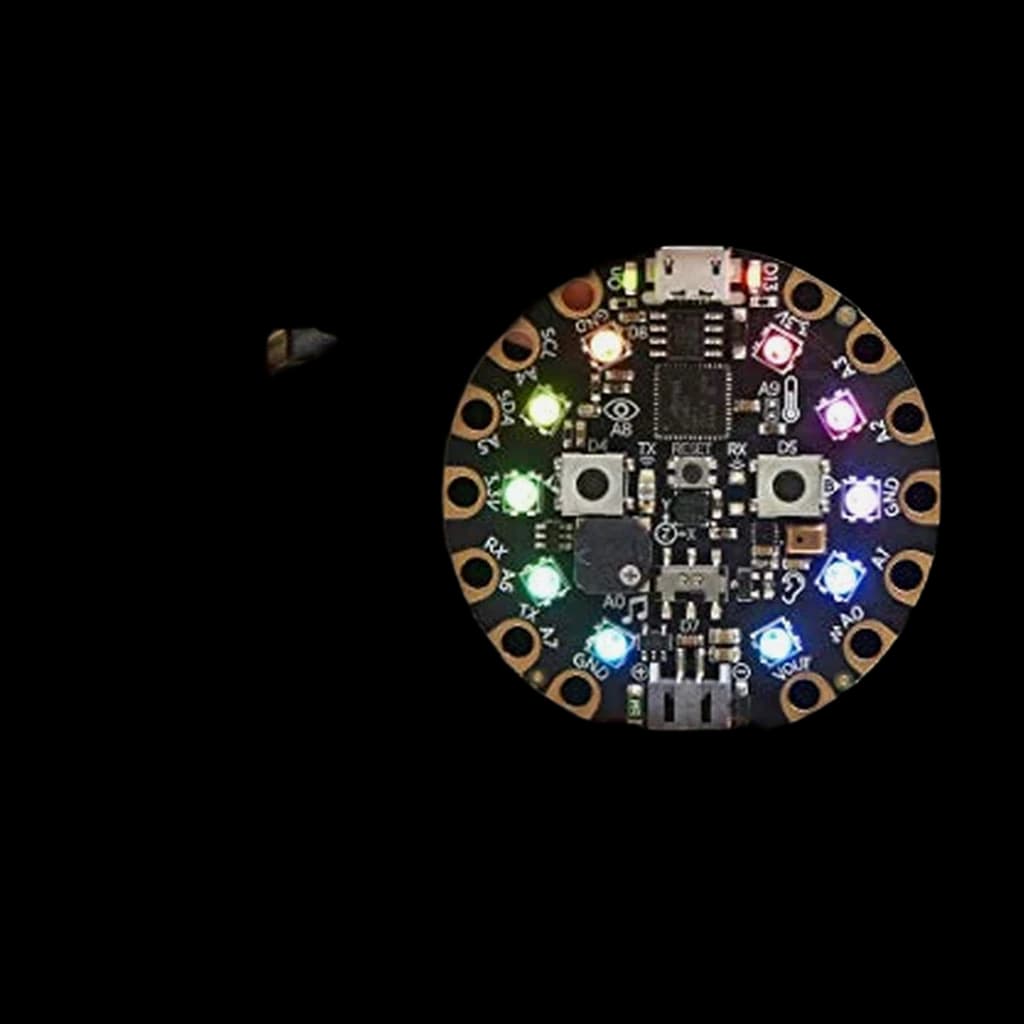
3. Adafruit Circuit Playground Express - best zero-friction starter
Check price on Amazon · $39.95 →Full review →A single round board with 10 LEDs, accelerometer, light sensor, sound sensor, speaker, and capacitive touch pads built in. Programmable with block-based MakeCode (drag-and-drop) or CircuitPython.
No breadboard, no jumper wires, no soldering. This is the kit for teens who'd bounce off the Arduino project book.
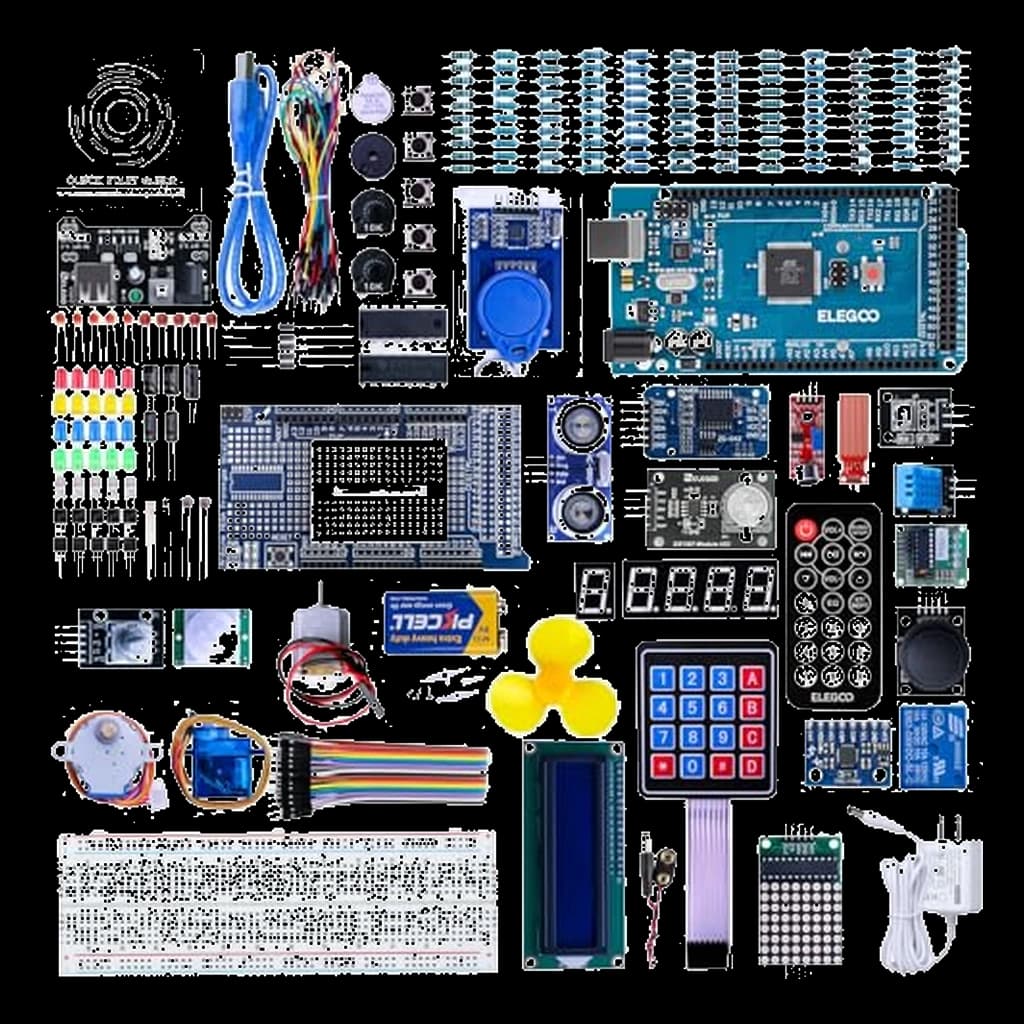
4. Elegoo Arduino Mega Project Kit - best budget pick
Check price on Amazon · List Price:Elegoo's Mega kit gives you an Arduino-compatible board with more I/O pins than an Uno (54 digital, 16 analog) plus a generous component grab bag. The tradeoff is the manual quality - Elegoo's instructions are functional but lack the polish of the official Arduino book. Best when a teen already knows what they want to build.
When to add soldering
Wait until your teen has finished 3–4 breadboard projects before introducing soldering. Every kit above is solderless, which is the point — breadboards let them rewire a mistake in seconds.
The trap: soldering is a separate skill. Bundle it with a first electronics kit and they'll burn out - literal and figurative - before learning the fundamentals.
Buying Guide: What Actually Matters
The project book matters more than the component count
A starter kit's value is measured in finished projects, not parts. The official Arduino book takes a beginner from blinking-LED to finished-build in 15 guided steps. Clone kits dump 200 components in a box with a PDF - overwhelming, not pedagogical.
Pick the platform first, the kit second
Arduino and Raspberry Pi aren't competitors - they're different tools.
Go Arduino if their project ideas involve:
- Sensors and motors
- LEDs and displays
- 'Making something physical react'
Go Raspberry Pi if their project ideas involve:
- Servers and networking
- Software and scripting
- 'Running a thing on a computer'
Community is the real support contract
Arduino, Raspberry Pi, and Adafruit all have massive forums and tutorial libraries. When your teen hits a wall - and they will - the platform's community is what gets them unstuck.
Sources & Research
- Arduino - Official Starter Kit
- Raspberry Pi - Pi 5 documentation
- Adafruit - Circuit Playground Express guide
- Elegoo - Mega 2560 kit
- r/arduino community
- r/raspberry_pi community
Common Questions
See the FAQ below for age fit, Arduino vs Pi guidance, and project ideas.
What about robot car kits and mobile robots?
If the teen specifically wants to build something that drives, the Elegoo Smart Robot Car Kit V4 is the most-bought Arduino-based pick - ultrasonic obstacle avoidance, line-following, Bluetooth control, all programmable from the Arduino IDE.
For the Raspberry Pi side, the SunFounder PiCar-X adds a camera for computer-vision projects (object detection, self-driving demos). Both run ~$80–150 and are best as a second kit after the teen has finished a starter project book.
Raspberry Pi Pico vs Arduino - and where micro:bit fits
The Raspberry Pi Pico 2 ($5–10) is a microcontroller, not a full Pi - same job as Arduino but programmed in MicroPython instead of C++. It's a great choice for a teen who already knows Python and wants to talk to hardware.
The BBC micro:bit V2 ($25) sits between Circuit Playground and Arduino: built-in sensors and LED display, programmable in MakeCode blocks or Python, used in school curricula. Use it as a bridge if Arduino feels too bare-bones.
Buying this for a homeschool bench or as a gift? Our homeschool STEM gift picks place the Arduino and Elegoo kits above alongside the younger-age kits that lead into them.
Cheaper alternative
Arduino Starter Kit (Official) ($88) is our #1 pick here. If that is more than you want to spend, this is a cheaper option in the same category — our researched verdict on it is below.
Adafruit Circuit Playground Express
All-in-one board for beginners.
Worth the upgrade
Arduino Starter Kit (Official) ($88) is our #1 pick here. If your budget stretches further, this is a pricier option in the same category — our researched verdict on it is below.
Raspberry Pi 5 (8GB)
Universal SBC.
Your next step