Key takeaways
- "Educational" is self-assigned in app stores — no body verifies the learning claim before an app ships, so the label tells you nothing on its own.
- Four design pillars predict real learning: active (minds-on, not just tapping), engaged (focused on the goal), meaningful (connected to what the child knows), and socially interactive — ideally with a real adult.
- Tapping a responsive screen is not the same as learning; the biggest upgrade you can make is co-using the app and turning passive watching into a back-and-forth.
On this page
"Educational" is a marketing word, not a research grade
There is no science board that audits whether a kids' app actually teaches anything before it gets the label. App stores let developers self-describe their apps as educational, and tens of thousands do. As the Psychological Science in the Public Interest review puts it bluntly, more than 80,000 apps are described as education- or learning-based, yet there are no science-based criteria required to earn that tag.
So the honest answer to "do educational apps work?" is: some do, most don't, and the design — not the topic — is what separates them. A flashcard app for the alphabet and a "learn the alphabet" app full of bouncing distractions can carry the identical store description and produce opposite results.
This is a buying-and-using guide, not a screen-time scare piece. Here is how learning scientists actually grade these apps, and how you can do the same in about two minutes.
Key things to know

- The label is unregulated. "Educational" is self-assigned in app stores; no body verifies the learning claim before publication.
- Four design pillars predict real learning — active, engaged, meaningful, and socially interactive — per the science-of-learning review. Apps that hit all four tend to teach; apps that miss them tend to entertain.
- Tapping is not learning. Researchers mean "minds-on," not "hands-on a screen." A child swiping fast in an arcade-style app is busy, not thinking.
- An adult in the loop is the biggest multiplier. The youngest kids learn best from real-world interaction, and a parent co-using the app turns passive watching into actual learning.
The four pillars that separate teaching from entertaining
The clearest framework comes from learning scientists Kathy Hirsh-Pasek, Roberta Golinkoff and colleagues. An app doesn't have to hit every pillar, but the more it hits, the more likely it produces real learning rather than just time-on-task.
| Pillar | What it means | Red flag if missing |
|---|---|---|
| Active | "Minds-on" thinking, not just tapping and swiping | Child can succeed on autopilot without thinking |
| Engaged | Attention stays on the learning goal | Side games, noise, and animations pull focus off-task |
| Meaningful | New material connects to what the child already knows | Random facts with no context or story |
| Socially interactive | A responsive partner — ideally a real adult | Solo loop with no back-and-forth |
"Active" does not mean their hands are moving
The review is explicit that "active" does not mean physical tapping. It means intellectual manipulation of information. An arcade-style app where a child swipes to dodge obstacles feels interactive and produces zero conceptual learning.
The fastest tell: watch your child use the app for two minutes. If they could get every answer right while half-asleep, the app is keeping them busy, not teaching them.
What most people get wrong
The common assumption is that interactivity equals learning — that because the child is touching the screen and the app is responding, education is happening. The research does not support that.
A touchscreen does not make media interactive
The National Association for the Education of Young Children's position statement warns that non-interactive uses of media "can lead to passive viewing and over-exposure to screen time" and are not substitutes for interactive, engaging media use or for interactions with adults and other children. In other words, a flashy app a child uses alone can be just as passive as a TV show — the touchscreen doesn't change that.
The American Academy of Pediatrics points the same direction: infants under 18 months learn best from real-world interactions, and the AAP's guidance is to focus less on a strict minute count and more on quality, context, and conversation.
Worth knowing: a "great" educational app used silently in a corner is doing less than a mediocre one a parent narrates and discusses.
The two-minute app audit
Before you trust an app's store description, run this on the app itself:
- Goal check. Can you name the one specific thing this app teaches? If the answer is fuzzy, the app's answer is probably fuzzier.
- Distraction check. Count the rewards, animations, and side-games unrelated to the learning goal. Many small ones = engineered for retention, not learning.
- Autopilot check. Could your child get every answer right without thinking? If yes, it fails the "active" pillar.
- Transfer check. Does the skill show up off the screen — the kid points out letters on a cereal box, counts real objects? On-screen mastery that never transfers is a weak signal.
- Together check. Can you co-use it — ask questions, extend the idea — or does it only work as a babysitter? Co-use is the single biggest upgrade you can make.
Where apps genuinely help — and where they don't
Apps are real tools, not villains.
Where they tend to help:
- Narrow, well-scoped, drill-style skills — letter sounds, number recognition, a foreign-language vocabulary set
- Kids already past the toddler stage
- Sessions with an adult nearby
Where they tend to disappoint:
- As substitutes for open-ended, hands-on, social learning
- Pretend play, building, and conversation
- The messy real-world manipulation that builds deeper understanding
Why hands-on toys keep their place
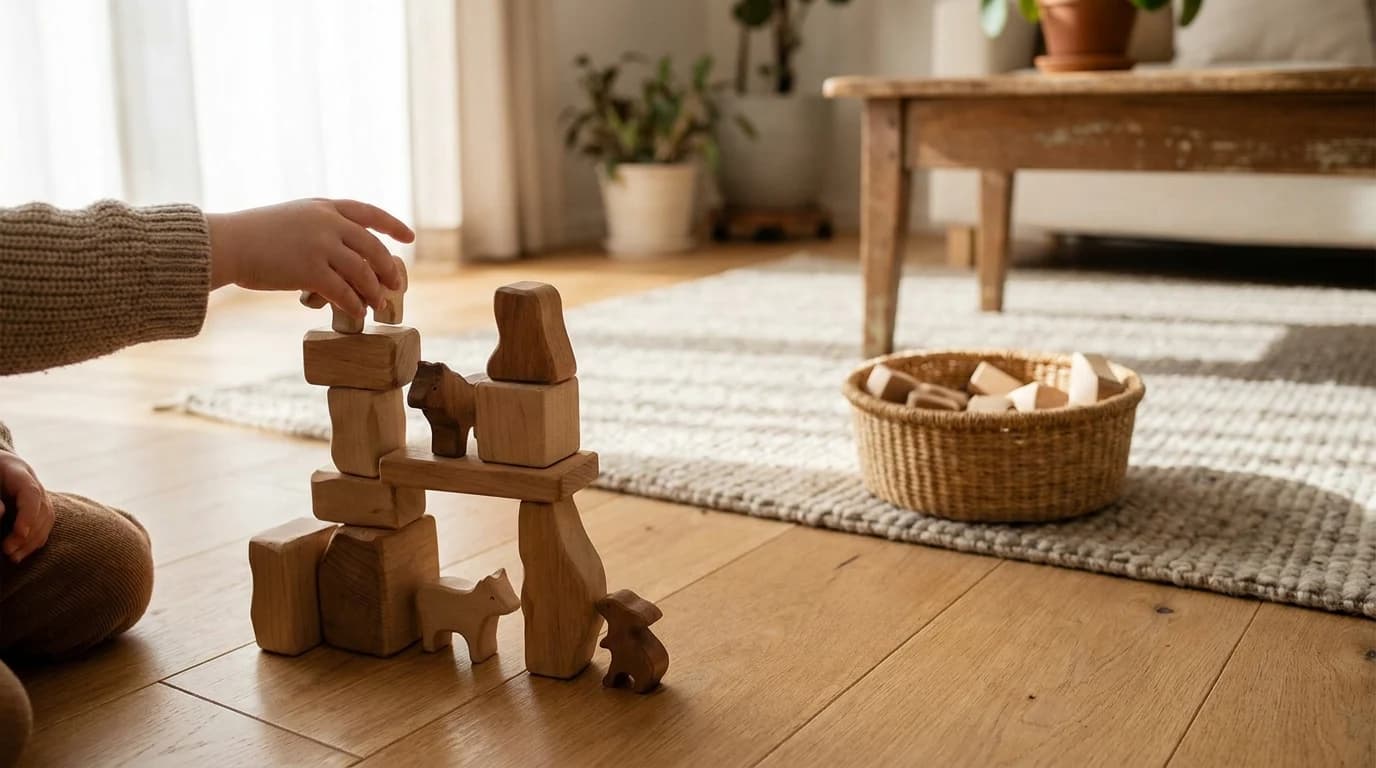
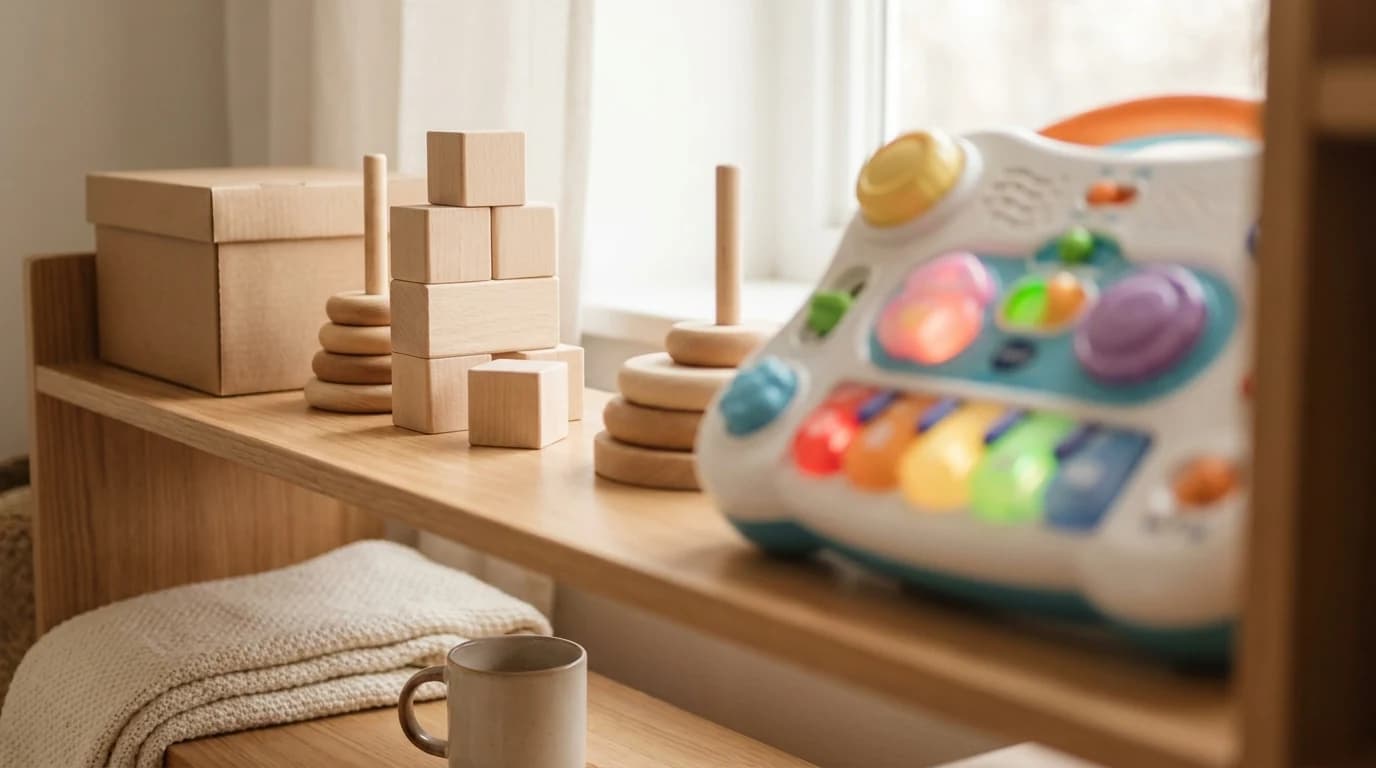
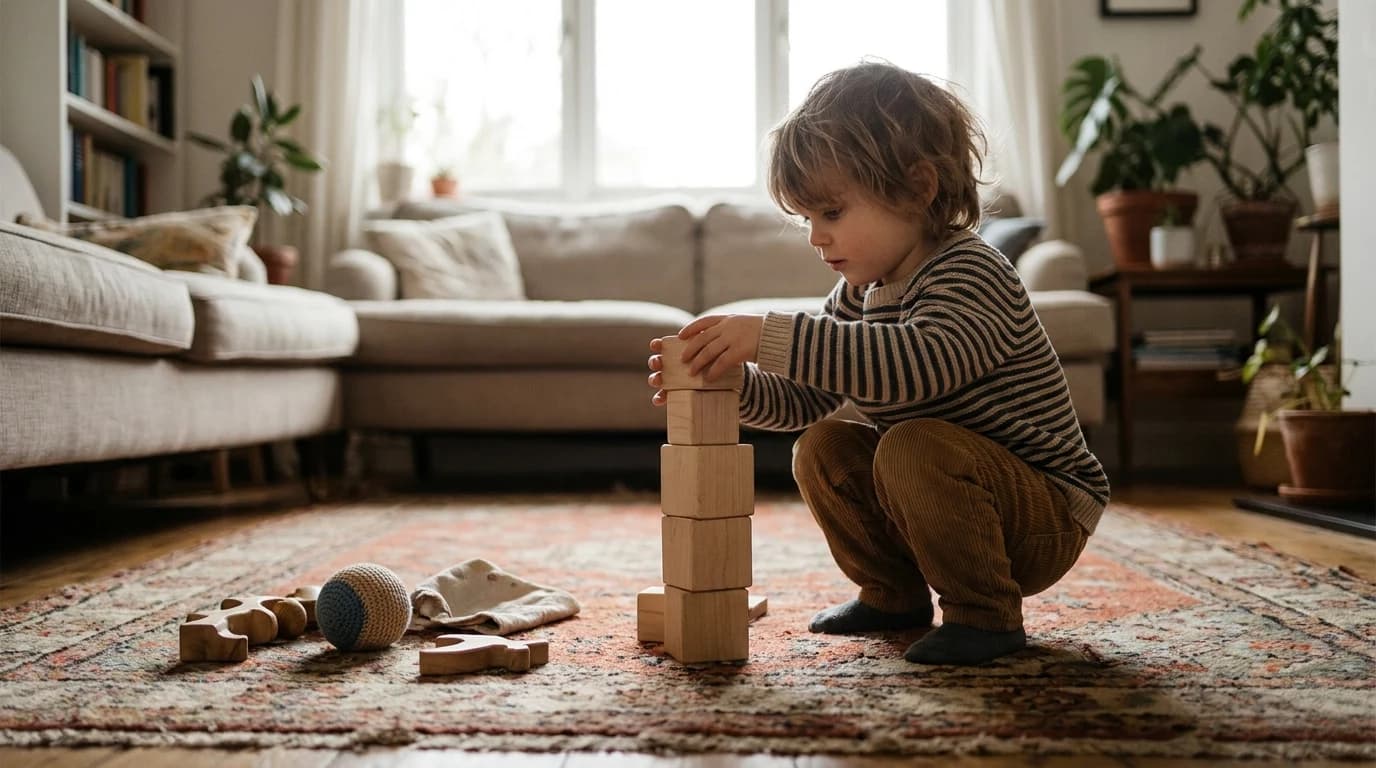
That is also why building sets and games hold up: they are active, meaningful, and social almost by default, with no design audit required. Story audio is the closest a device gets to the same test, which is why we score screen-free audio players separately from anything with a display. A good app can supplement that. It rarely replaces it.
The honest bottom line
"Educational" on an app is a claim, not a credential. Judge the app, not the label: does it make your child think, stay on the actual goal, connect to something real, and ideally involve you?
Hit those, and a screen can teach. Miss them, and you've bought a very polished way to keep a kid busy.
Sources
- American Academy of Pediatrics — Healthy Digital Media Use Habits for Babies, Toddlers & Preschoolers (HealthyChildren.org): infants under 18 months learn best from real-world interactions; focus on quality, context, and conversation; co-viewing guidance.
- Hirsh-Pasek, Zosh, Golinkoff et al. — Putting Education in "Educational" Apps (Association for Psychological Science summary): the four pillars (active, engaged, meaningful, socially interactive); 80,000+ apps self-described as educational with no science-based criteria.
- NAEYC & Fred Rogers Center — Technology and Interactive Media as Tools in Early Childhood Programs (position statement): passive, non-interactive media is not a substitute for interactive use or adult/peer interaction; emphasis on co-viewing and joint media engagement.
Your next step
Prefer hands-on learning? These deliver it.
Common questions
Are educational apps bad for kids?
How can I tell if an app actually teaches anything?
Why does it matter whether an adult uses the app with the child?
Do hands-on toys still matter if a good app exists?
Research Sources
- American Academy of Pediatrics (HealthyChildren.org) — Healthy Digital Media Use Habits for Babies, Toddlers & Preschoolers
- Association for Psychological Science — Putting Education in "Educational" Apps (Hirsh-Pasek et al.)
- NAEYC & Fred Rogers Center — Technology and Interactive Media as Tools in Early Childhood Programs (position statement)